Echo Kraft Plugins
Instruments and effects by Echo Kraft. More plugins coming soon.
Fusion
Free download
Fusion is a generative synth for Mac and Windows. It doesn't make you start from a blank patch. It builds sounds for you, from soft pads and drones to plucks, basses and evolving textures, and gives you simple controls to shape them. It runs as a plugin in Logic Pro, Ableton Live, FL Studio and other DAWs, or on its own as a standalone app.
The KHAOS button in the middle is the heart of Fusion. Press it, and Fusion rolls a brand-new sound by randomizing its engines, filters, sequences and effects all at once. Nothing breaks and nothing gets erased. If you like what you hear, keep playing and tweak the knobs. If not, hit KHAOS again.
Take it straight into your track. Press REC to capture what Fusion is playing as a WAV file, then drag it onto any audio track in your DAW. Drag the MIDI button out and you get four separate MIDI tracks, one for each of Fusion's four voices, so you can edit each part or send it to a different instrument.
Attention Windows users: We're working on getting the Windows version up and running. It's coming soon.
Themes
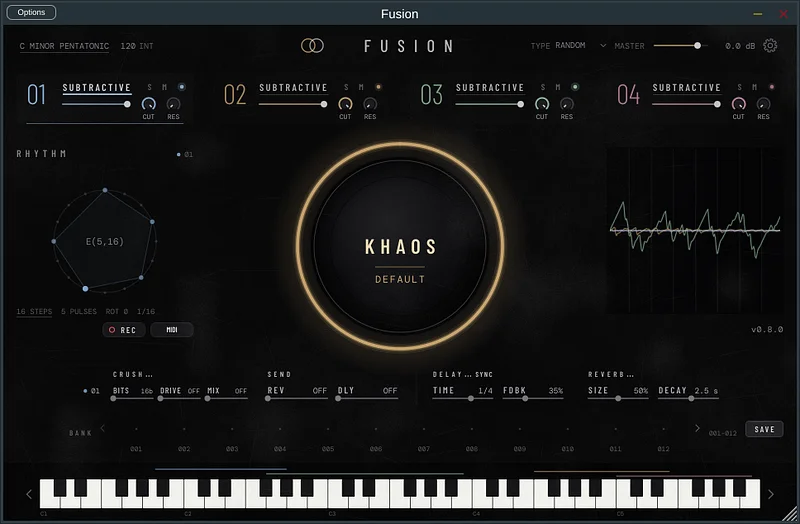
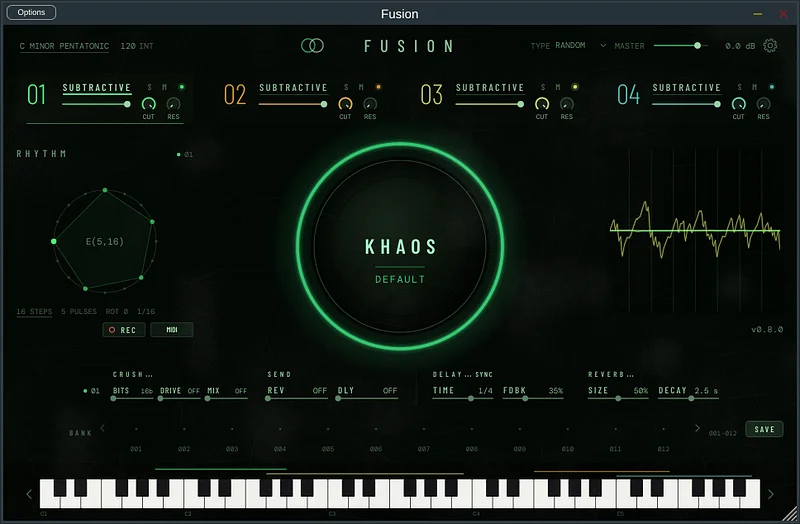
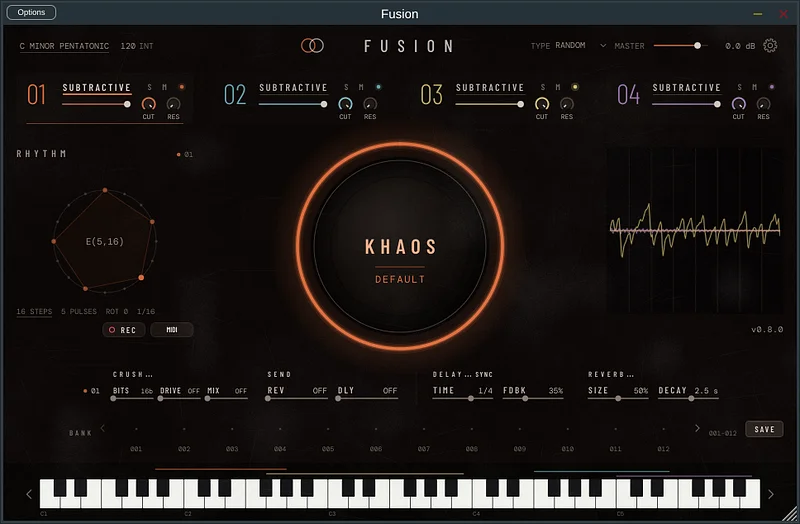
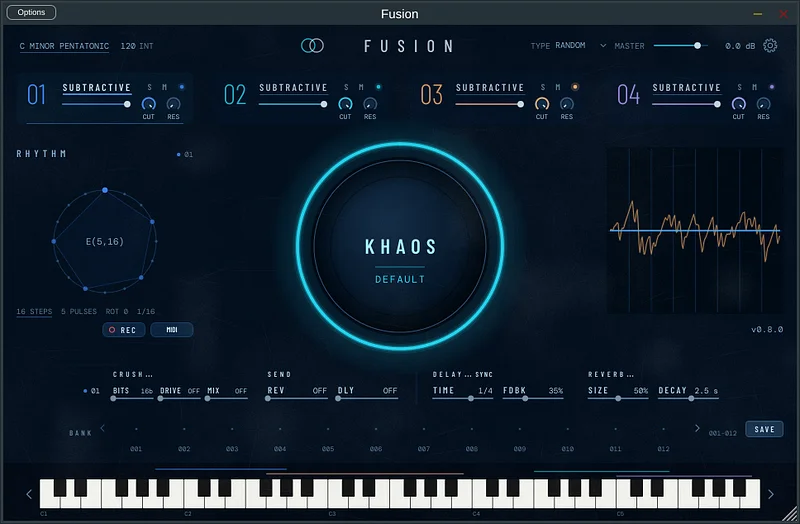
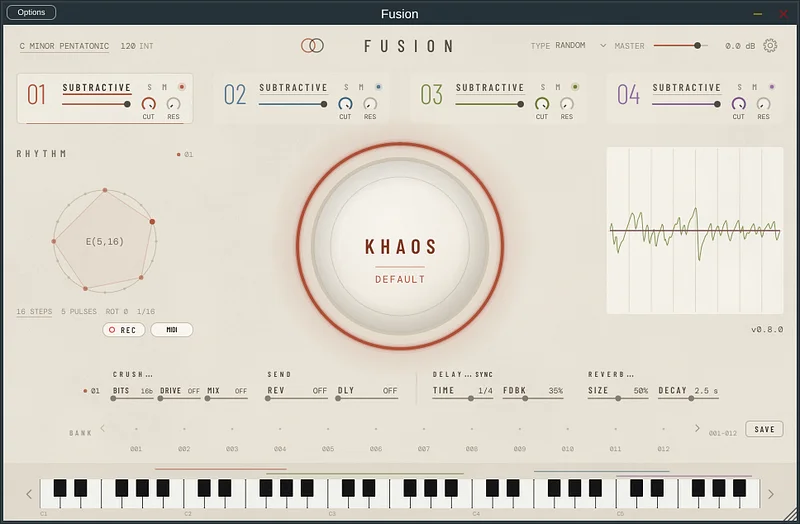
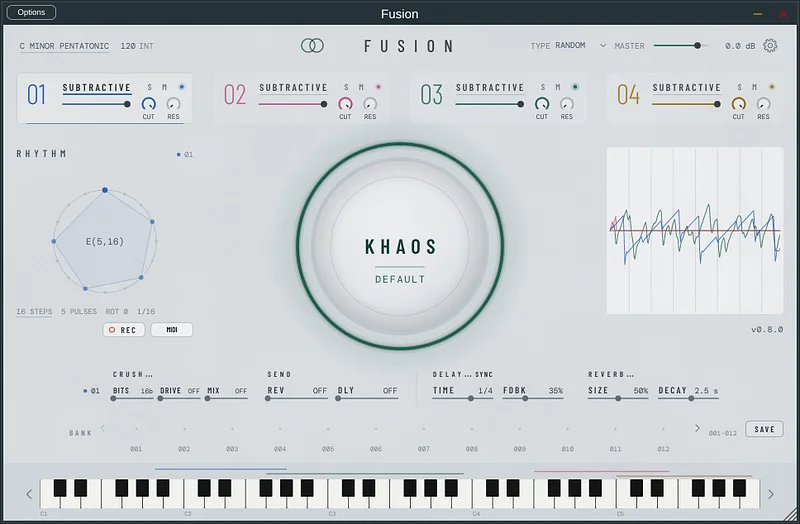
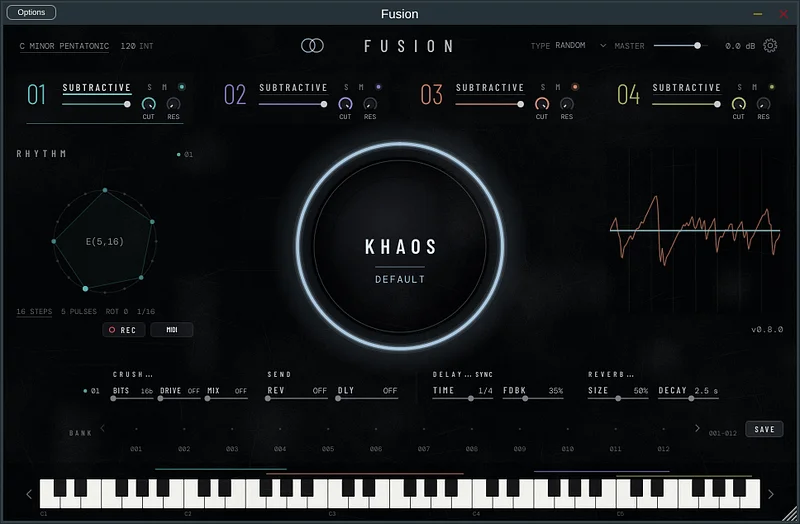
Themes, in order: Obsidian, Phosphor, Ember, Oceanic, Bone, Fog, Umbra.
How to install
- Click Download for Mac and save Fusion-Installer-macOS.pkg to your computer.
- Double-click the pkg to start the installer.
- If macOS blocks it, that's because this build is not notarized. In Finder, right-click the pkg and choose Open, then confirm. Or go to System Settings > Privacy & Security and choose Open Anyway.
- Follow the installer prompts.
- In Logic Pro, open a Software Instrument track and choose Fusion under AU Instruments.
- If Fusion doesn't show up, quit and restart Logic, then check AU Instruments again.
System requirements: A Mac running macOS, on Apple Silicon or Intel. This build is universal, so it runs on both.